Instructions: Start by selecting Term's Start Date.
Select your Calendar Mode.
Click the [+ Add All] buttons to auto-fill modules with content, or drag items individually. Add/remove modules to tailor
schedule. Click Generate Syllabus Outline (bottom of page) for your schedule.
Customize by choosing what to include on your schedule. Click Copy button and paste into Word program for final editing.
Tips: Use wide monitor (not mobile device). Module 0 is for drop/add period before assignments start. App not designed
for every contingency. Refresh to clear. Use Word program for final editing.
Modules Will End:
Weekly
Multiple per Week
Fixed Interval
Custom
Leave dates blank. I will enter them manually.
17 modules
The Essentials of Political Analysis, Seventh Edition (see contents)
An IBM® SPSS® Companion to Political Analysis, Seventh Edition (see contents)
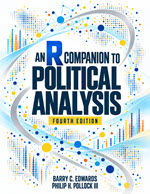
An R Companion to Political Analysis, Fourth Edition (see contents)
Changing editions keeps assignments already placed in your schedule.
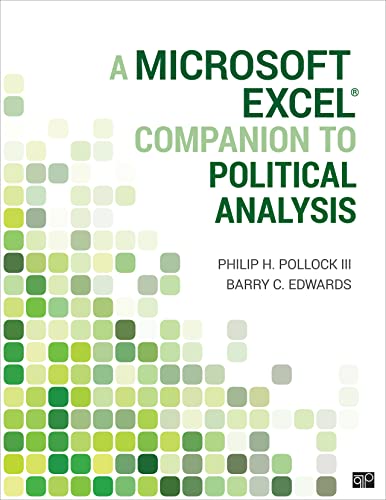
A Microsoft Excel® Companion to Political Analysis (see contents)
A Stata® Companion to Political Analysis, Fifth Edition (see contents)